Showing posts with label G Suite Education. Show all posts

Friday, March 6, 2020

Friday Matinee: Appointment Slots in Google Calendar

Appointment slots in Google Calendar can be really helpful with scheduling appointments with your students.  You set up the time slots then send a link to your students so that they can choose the best time to meet with you.  Once this time is taken, no other student can choose the same time.  KATE has met with some of you on this, but we felt that sharing our video and other resources would be helpful for everyone. 


Here's a video on how to create appointment slots in Google Calendar.

Once you've created the link, students can find any appointment you've created using the same link.  Remember that you have to be in week or day view in your calendar to create these slots.
I've added a PDF that you can print with step by step instructions below.  Click on the file to open it.


Friday, February 28, 2020

Friday Matinee: Google Drive Tips & Tricks

Google Drive is a great place to store pretty much anything since as educators we have access to unlimited storage, but it can become unwieldy making it hard to find things.  I've attached several videos and some other links with ideas on how to better organize your Google Drive and find what you've saved in it.

Videos:


Helpful Information:

13 Tips to Organize Your Google Drive - Blog post and podcast


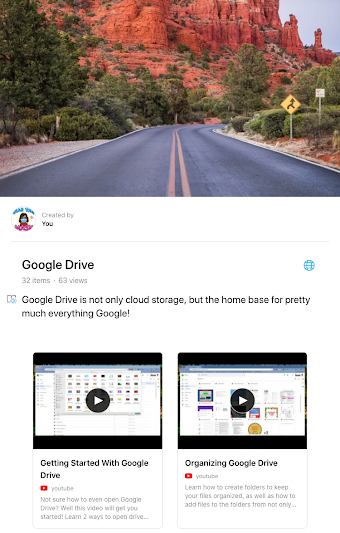
Here's the link to our Google Drive Wakelet, which is filled with lots of great information on Google Drive!

Friday, February 21, 2020

Friday Matinee: Using Shared Drive With Your Colleagues

Using Shared Drive with your team or committee is an important way to share and access documents.  Everything in the shared drive belongs to the team, so if a member of the team leaves, the documents remain.  Need to know more about how it works?  I've attached a video and several other links that I hope will help.  As always, I am here to help if you need anything.

Video:  Google Shared Drives

What are Shared Drives? has some great information for those of you who are new to shared drives and how they are different from your Google Drive.  There are links on this page that will help answer any questions you may have.

Best Practices for Shared Drives has great overview of when to use shared drives and how to use them.  Click on the links in the table of contents to learn more best practices for shared drives.

For most Shared Drives that have been set up for COEHS, there are one or two people who are managers of the drive.  They are the ones who can manage every aspect of the drive.  Others will have different levels of access depending on the way the drive has been set up.

Do you have questions on other aspects of Google Drive?  I have set up a Wakelet with all of the videos that are on our KATE YouTube Channel, as well as other curated resources.  To access this, please go to https://wke.lt/
w/s/t3hmQT
.